
Purchase Orders: How They Work and When You Need One
A supplier ships $3,000 of inventory you never approved in writing, and the bill arrives after the stock is already sold. Now you are arguing about price, quantity, and whether you ordered it at all. A purchase order prevents that argument by putting the deal in writing before anything ships.
Many small business owners treat POs as paperwork for big companies. In practice, a simple purchase order process gives you control over who spends money, what you pay, and what you receive.
This guide explains how purchase orders work and walks through a real-world style example. It also shows you how to decide when your business needs them.
What a Purchase Order Is and Why It Matters
A simple definition
A purchase order (PO) is a document a buyer issues to a supplier. It authorizes a purchase at agreed quantities, prices and terms. Once the supplier accepts it, both sides share the same written record of the deal.
The main benefit is timing. A PO sets expectations before money changes hands. That way, disputes over price, quantity or delivery dates get settled up front instead of after the invoice lands.
What a PO records
Most purchase orders include these core fields:
- PO number, unique and sequential
- Date the PO was issued
- Buyer and supplier details, including names, addresses and contacts
- Item descriptions, specific enough to avoid confusion
- Quantities and unit prices
- Shipping terms, such as who pays freight
- Delivery date
- Payment terms, for example net 30
Keep in mind that a PO is a control tool, not a tax form. Still, it supports the records you keep for business expenses. The IRS explains which supporting documents to keep, such as invoices and receipts, in Publication 583, Starting a Business and Keeping Records.
How the Purchase Order Process Works, Step by Step
From request to payment
Here is the purchase order process for small business in seven steps. You can scale it down if you are a team of two.
- Submit a purchase request. An employee or the owner lists the item, quantity, reason and budget line. For example: “200 shipping boxes, restocking, packaging budget.”
- Create the PO. The buyer checks vendor details and confirms current pricing. Next, they create the PO with the next sequential number.
- Approve the PO. An approver reviews it against a spending limit the business has set. Anything over the limit goes to a higher approver, often the owner.
- Send the PO to the supplier. The supplier confirms acceptance or flags changes, such as a price increase or a later ship date. Any change should be reflected in a revised PO.
- Receive the goods or services. Someone counts and inspects what arrived. They then create a receiving record, even if it is a signed packing slip.
- Match and approve the invoice. When the supplier invoice arrives, compare it to the PO and the receiving record. Only then approve it for payment.
- Pay and file. Make the payment. Then file the PO, receiving record, invoice and payment confirmation together, ideally in one digital folder.
Each step leaves a paper trail. That trail makes it easy to answer “who approved this, and why?” months later.
Worked Example: One PO From Request to Bill Payment
The scenario
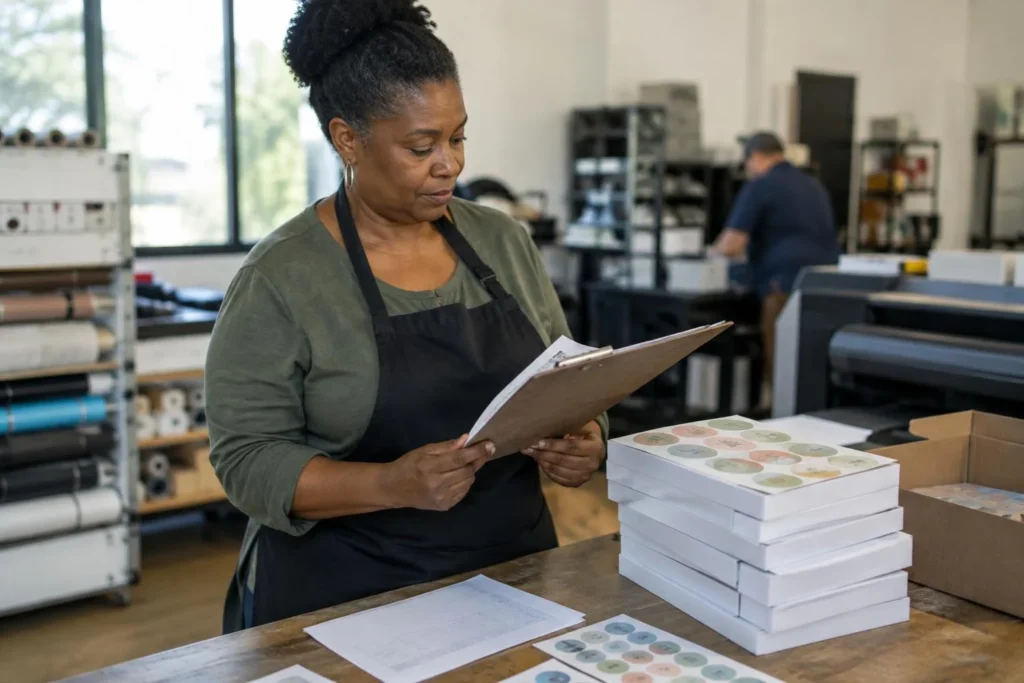
Maria owns a small print shop. A client wants custom-branded packaging, so she needs 500 custom sticker sheets from a regional supplier. The quoted price is $1.20 per sheet. Her shop manager can approve purchases up to $500, and anything above that needs Maria’s approval.
These numbers are hypothetical. They are simply there to show how the documents connect.
Following the paperwork
- The request. The shop manager submits a request for 500 sticker sheets for the client job, charged to the materials budget.
- The PO. The manager creates PO #1042 for 500 sheets at $1.20 each. The total is $600, with net 30 payment terms.
- The approval. Because $600 exceeds the $500 limit, the PO goes to Maria. She approves it and the PO is emailed to the supplier, who confirms.
- The receipt. The supplier ships 500 sheets. On arrival, the manager counts them and finds that 20 are damaged. The receiving note records 480 accepted and 20 damaged.
- The invoice. The supplier’s invoice references PO #1042 and bills for 500 sheets, or $600. When the bookkeeper compares the documents, the PO says 500 and the invoice says 500. However, the receiving note says only 480 were usable. The mismatch is caught before any money leaves the account.
- The bookkeeping result. The bill is recorded against PO #1042. Maria pays for the 480 accepted sheets, or $576. She also requests a $24 credit for the 20 damaged sheets.
In accounting software, this usually means entering the $600 bill and applying a $24 vendor credit, or asking the supplier for a corrected invoice. Either way, the accounts payable balance in your general ledger shows exactly what Maria owes.
Purchase Order vs. Invoice: What Is the Difference
Comparing the two documents
An invoice is the supplier’s request for payment after goods or services are provided. The PO comes first, and the invoice comes last. A good invoice should reference your PO number so you can match them quickly.
| Feature | Purchase Order | Invoice |
|---|---|---|
| Who issues it | The buyer | The supplier |
| When it is issued | Before goods or services are delivered | After goods or services are delivered |
| Purpose | Sets agreed items, quantities, prices and terms | Requests payment for what was provided |
| What it authorizes | The purchase and the spending | Nothing on its own; it asks to be paid |
Put simply, a PO authorizes spending, while an invoice requests payment. You need both to confirm that a bill is legitimate. That is why they belong in the same file.
If a supplier’s invoice has no PO number, ask them to add it. This one habit makes matching much faster.
Three-Way Match: Checking the PO, Receipt and Invoice
How the match works
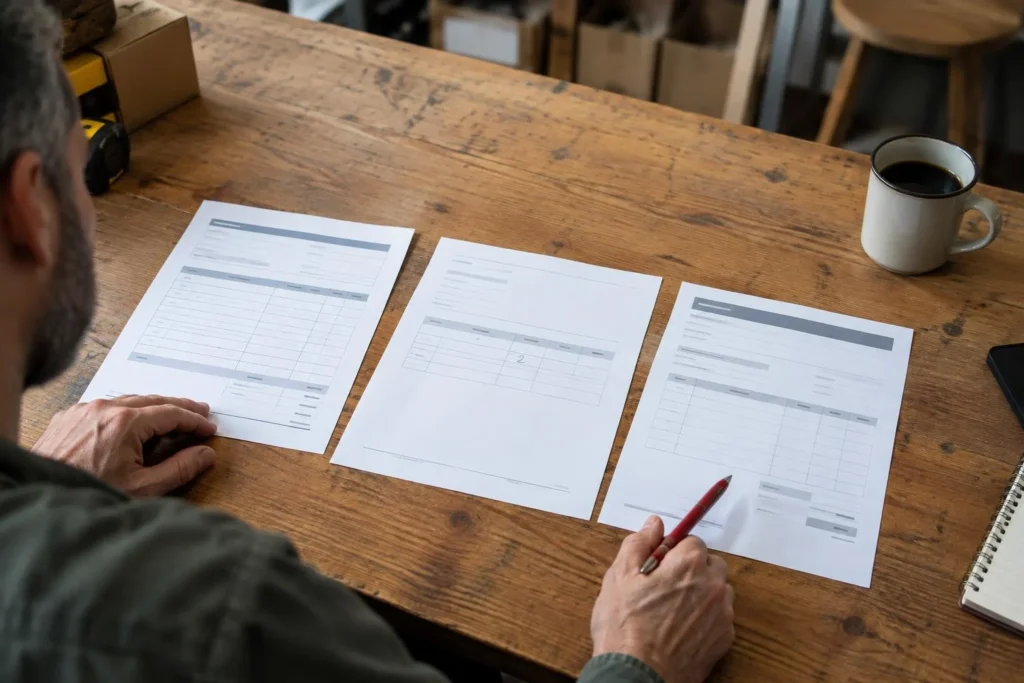
Three-way matching means comparing three documents before you release payment: the purchase order, the receiving record and the supplier invoice. If all three agree, the bill is safe to pay.
There are two main checks:
- Quantity. Does the quantity on the PO match the quantity received? Does the invoice bill only for what arrived in good condition?
- Price. Does the unit price on the invoice match the unit price on the PO? Watch for added fees, such as freight you did not agree to.
What to do when it fails
When a mismatch appears, follow three steps:
- Hold the payment. Do not pay the disputed amount until the difference is resolved.
- Contact the supplier. Share the PO and receiving record, and ask for a corrected invoice or a credit.
- Record the adjustment. Enter the agreed credit or revised bill, and note the reason in the file.
Accounting software can help. For example, QuickBooks offers purchase order and bill features that support PO-to-bill matching. Availability and setup vary by product and plan, so check what your version includes.
When Does a Small Business Need a Purchase Order?
Decision checklist
Start with one question: is the cost of a mistake higher than the cost of the extra steps? If an error could cost you hundreds or thousands of dollars, a PO usually earns its keep.
Signs you should use purchase orders:
- More than one person can spend company money.
- You make recurring purchases from the same suppliers.
- You buy inventory or materials in bulk.
- Some purchases exceed a dollar threshold you have set.
- Your suppliers or large customers require POs.
- You have had disputes over price, quantity or delivery before.
Signs a PO may not be needed yet:
- You are a sole operator buying small items yourself.
- Most purchases are one-off buys with fixed, posted prices.
- Your transaction volume is low and easy to review each month.
For very small, everyday purchases, a well-run petty cash fund or company card with receipts may be enough.
Next, set your own dollar threshold. Do not copy a number from another business. Instead, base it on your typical order size, your cash cushion and how many people buy on your behalf.
Purchasing controls are not a one-time project. The SBA treats managing finances, including tracking expenses and purchasing, as an ongoing part of running a business. You can read more in its Manage Your Business guide.
Setting Up Simple Purchasing Controls and a PO Template
Core fields for a purchase order template
You can build a purchase order template in a spreadsheet or in your accounting software. Include these fields:
- PO number (sequential)
- PO date
- Your business name, address and contact person
- Supplier name, address and contact person
- Item description or SKU
- Quantity
- Unit price and line total
- Subtotal, shipping, any applicable tax, and grand total
- Shipping terms and delivery address
- Requested delivery date
- Payment terms
- Budget line or expense category
- Requested by and approved by, with dates
Number every PO in sequence and never reuse a number. Store all POs in one location, such as a shared folder or your accounting system. Gaps in the numbering are easy to spot and investigate.
Basic approval rules
Keep approval rules simple enough that people actually follow them:
- Who may approve. Name the specific people, such as the owner and the operations manager.
- Up to what amount. Set a limit for each approver, based on your own threshold.
- When a second approver is required. For example, for purchases above a higher limit, new suppliers, or anything outside the budget.
- No self-approval. Where possible, the person requesting a purchase should not approve it.
Finally, write it down. A one-page policy is enough. It should cover when a PO is required, who approves what, and how to handle receipts and invoices. Then share it with every person who spends company money.
Note: Purchase orders support your expense records but do not replace receipts or invoices. For specific recordkeeping or tax questions, confirm the details on IRS.gov or with a qualified professional.
Keeping Purchase Order Records for Bookkeeping and Taxes
A purchase order does more than control spending. Together with the supplier’s invoice, it helps prove that an expense was a real business cost. That matters when you deduct it on your tax return. IRS Publication 583 explains the kinds of supporting documents the IRS recommends keeping for business expenses.
What to file and where
Keep four documents together for each purchase: the PO, the receiving record, the supplier invoice and proof of payment. Use the PO number as the link between them. For example, name every file “PO-1042” plus the document type, whether you store them digitally or in a folder.
How long to keep these records depends on your situation. Confirm the rules on IRS.gov and with your tax professional.
Each month, reconcile bills and payments against your open POs. This catches goods you received but never recorded as a bill. It also keeps your general ledger accurate.
Put Your First Purchase Order to Work This Week
A purchase order sets the price, quantity and terms before you spend anything. The three-way match then compares the PO, the receipt and the invoice, so errors surface before you pay.
Start small this week. List your last ten supplier payments and flag any that could have used a PO. Look for large amounts, new suppliers or disputed bills. Next, draft a one-page template and use it for your next purchase.
Finally, check record retention rules on IRS.gov or with a qualified tax professional before you set up your filing system.
Related reading
- Section 179 Deduction: How It Works for Small Business Purchases
- Garnishment of Wages: Employer Steps When an Order Arrives
Frequently Asked Questions
What is the difference between a purchase order and an invoice?
You create a purchase order as the buyer, before the purchase, to state what you want and at what price. The supplier sends an invoice after delivering goods or services to request payment. In short, the PO authorizes the purchase and the invoice bills for it.
Do sole proprietors need to use purchase orders?
No law requires sole proprietors to use purchase orders. Still, a simple PO can help with larger purchases, new suppliers or orders delivered in stages. It gives you a written record of the agreed terms if a bill doesn’t match.
What is a three-way match in purchase order processing?
A three-way match compares the purchase order, the receiving record and the supplier invoice before you pay. Quantities, prices and items should agree across all three. If they don’t, you hold payment and resolve the difference with the supplier first.
How long should a small business keep purchase order records?
Retention periods depend on your circumstances, including the type of record and your tax situation. IRS Publication 583 discusses how long to keep business records. Confirm the rules for your business on IRS.gov or with a qualified tax professional.
Want purchase orders, bills and payments that always line up? SteadyBooks can help with bookkeeping, payroll and day-to-day financial support, so your records stay accurate and you can get back to running your business.